> ## Documentation Index
> Fetch the complete documentation index at: https://docs.sameitem.com/llms.txt
> Use this file to discover all available pages before exploring further.
# Upgrade Your Same Item Multiple Boards Subscription
> Upgrade your SIMB plan through the monday.com Marketplace to increase item and board limits, unlock priority syncing, and access advanced automations.
Upgrading your Same Item Multiple Boards plan lets you scale your operations as your team grows. Higher-tier plans unlock increased item and board limits, priority syncing performance, and access to advanced automations and app views — all without adding any per-seat costs.
You need **admin or billing permissions** in monday.com to upgrade a plan. If you don't have these permissions, ask your monday.com admin to complete the upgrade on your behalf.
## Steps to Upgrade Your Subscription
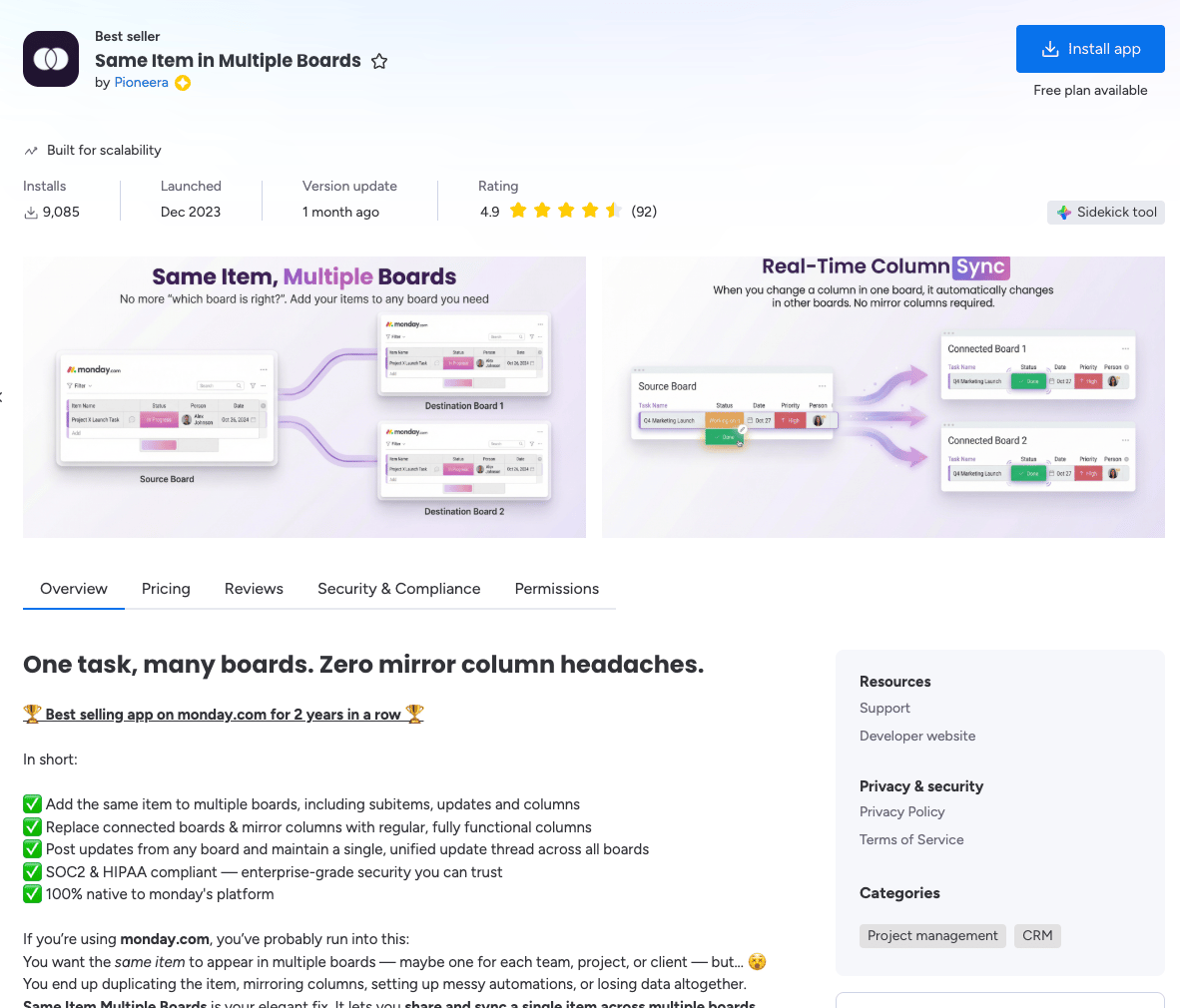 Click the **App Marketplace** icon in the left panel of your monday.com workspace. This is where you can explore and manage all monday.com apps.
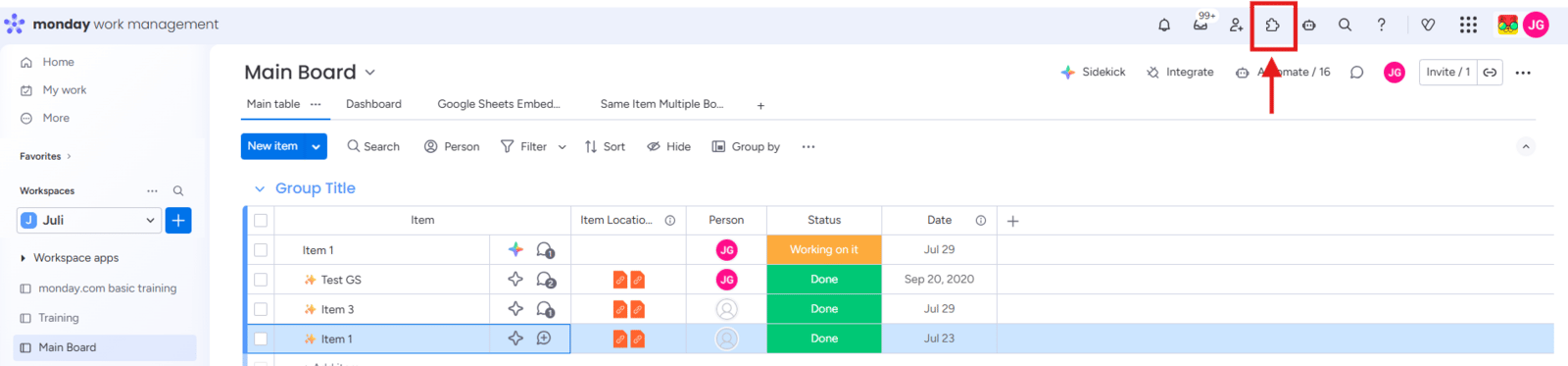 Type **Same Item Multiple Boards** in the search bar. When the app appears in the results, click on it to open the app page.
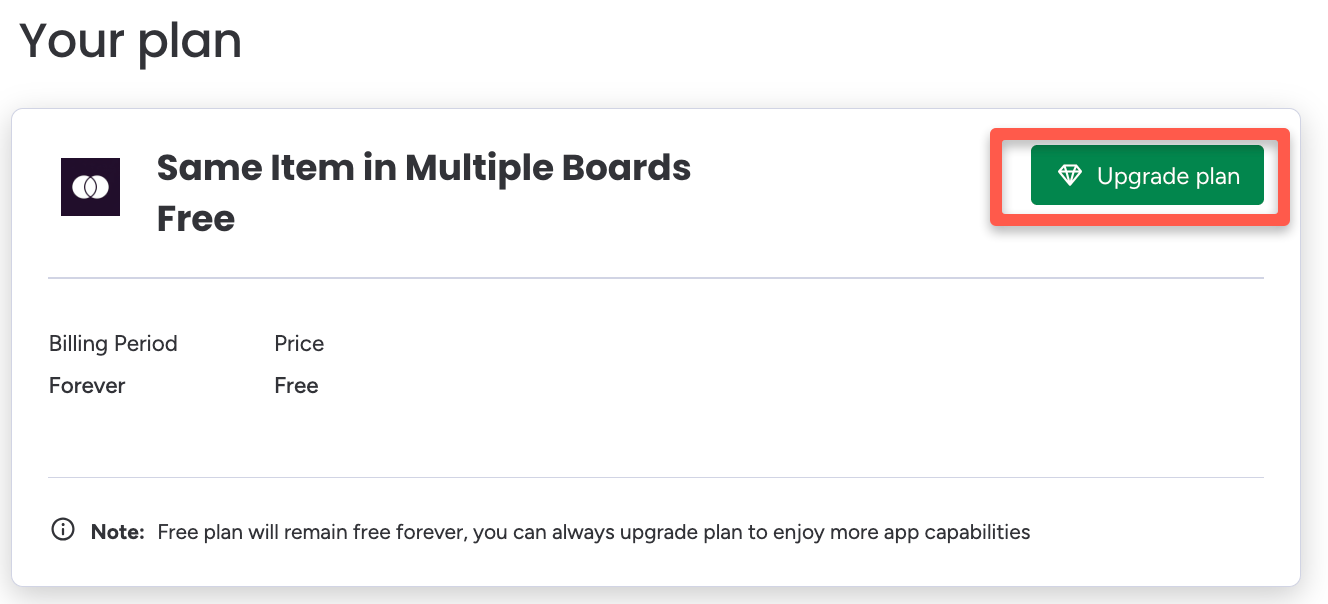
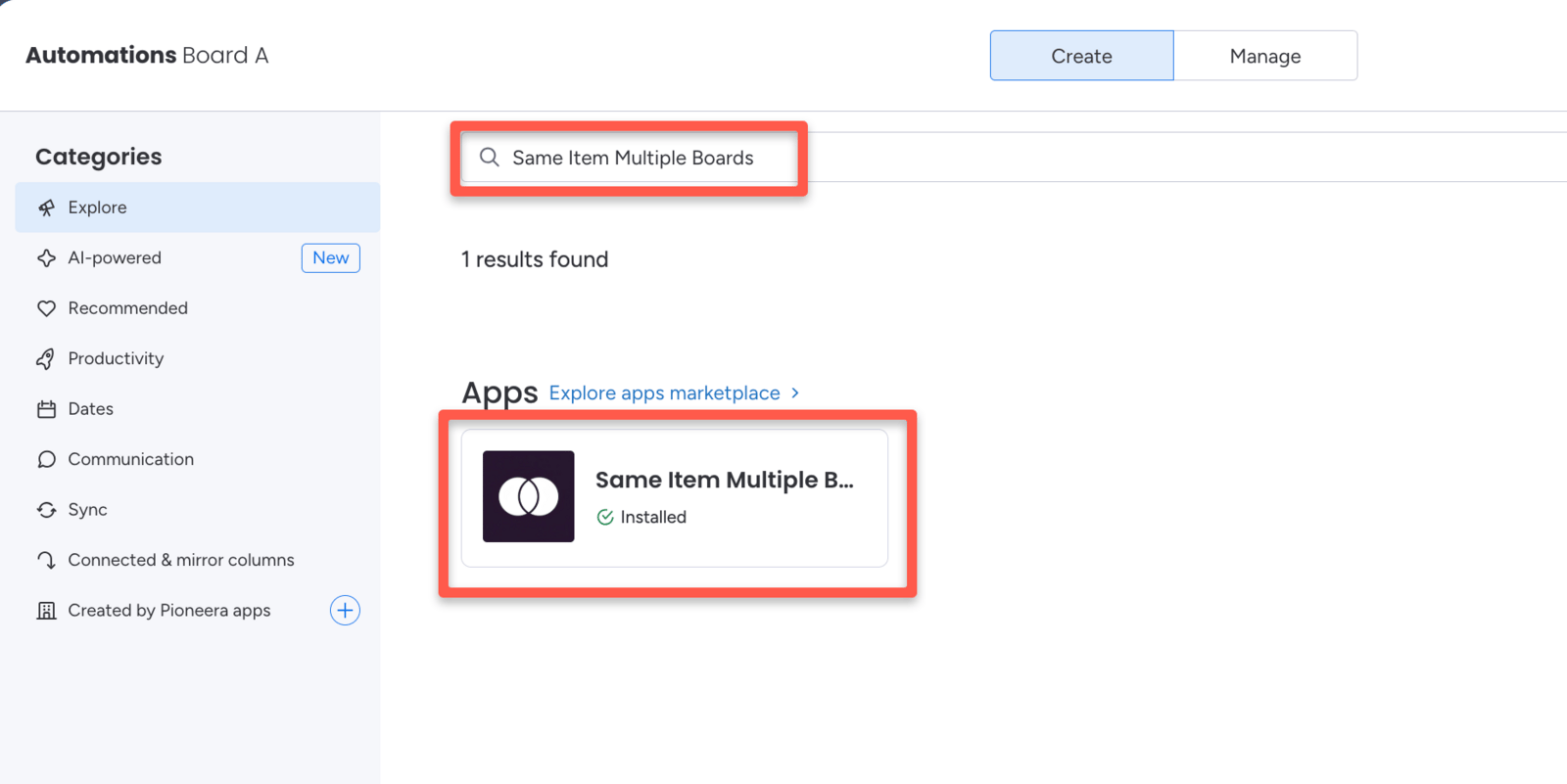 On the app page, click **Billing**, then click **Upgrade Plan**.
If you don't see the Billing button, you likely don't have admin or billing permissions in your monday.com account. Contact your monday.com admin to complete this step.
On the app page, click **Billing**, then click **Upgrade Plan**.
If you don't see the Billing button, you likely don't have admin or billing permissions in your monday.com account. Contact your monday.com admin to complete this step.
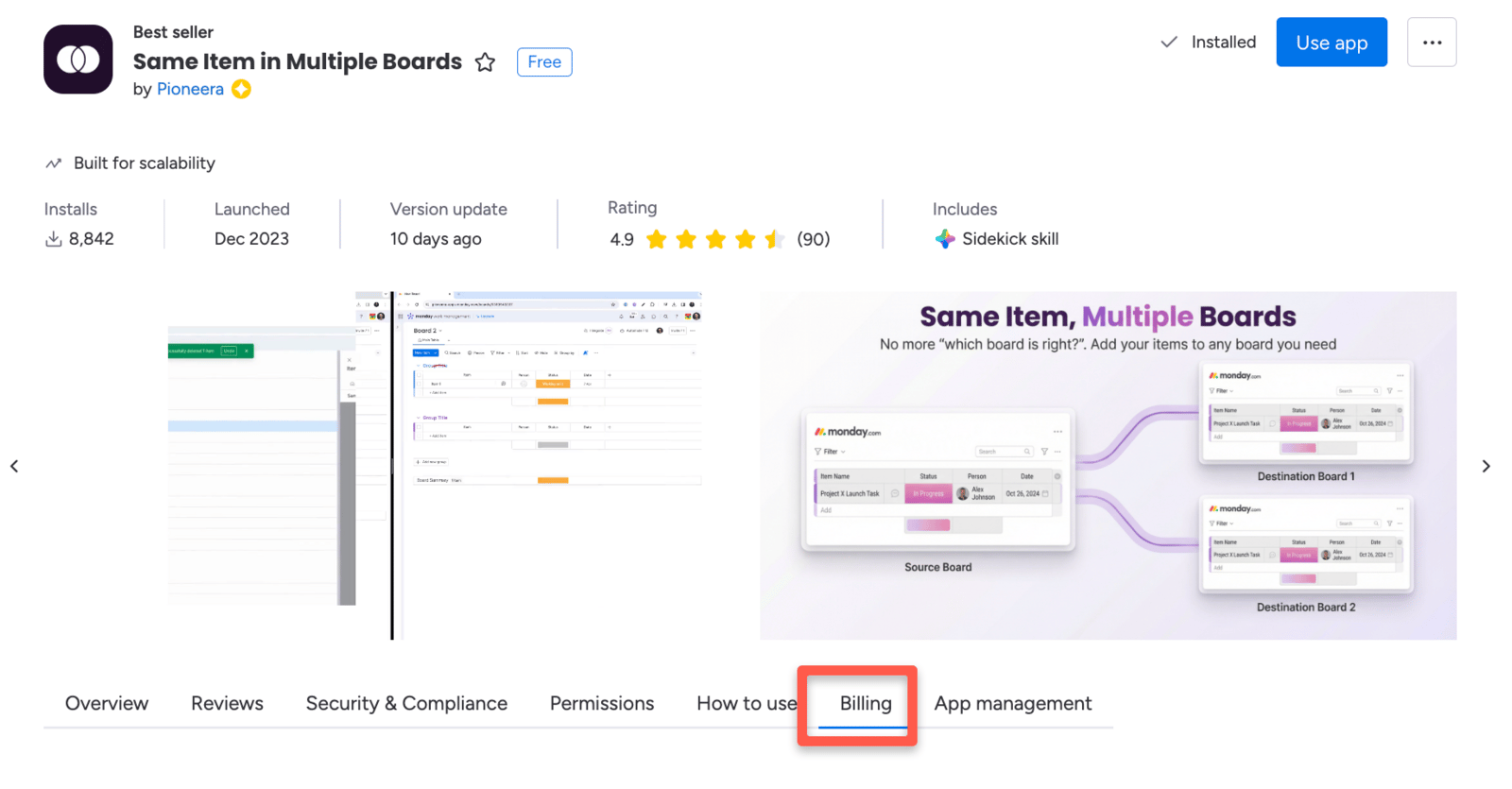
 Review the available plans and select the one that fits your needs. Then choose your preferred billing period — **monthly** or **yearly**.
Yearly billing saves approximately 30–40% compared to monthly billing. For example, the Basic plan costs $47/month on yearly billing versus $97/month on monthly billing.
Review the available plans and select the one that fits your needs. Then choose your preferred billing period — **monthly** or **yearly**.
Yearly billing saves approximately 30–40% compared to monthly billing. For example, the Basic plan costs $47/month on yearly billing versus $97/month on monthly billing.
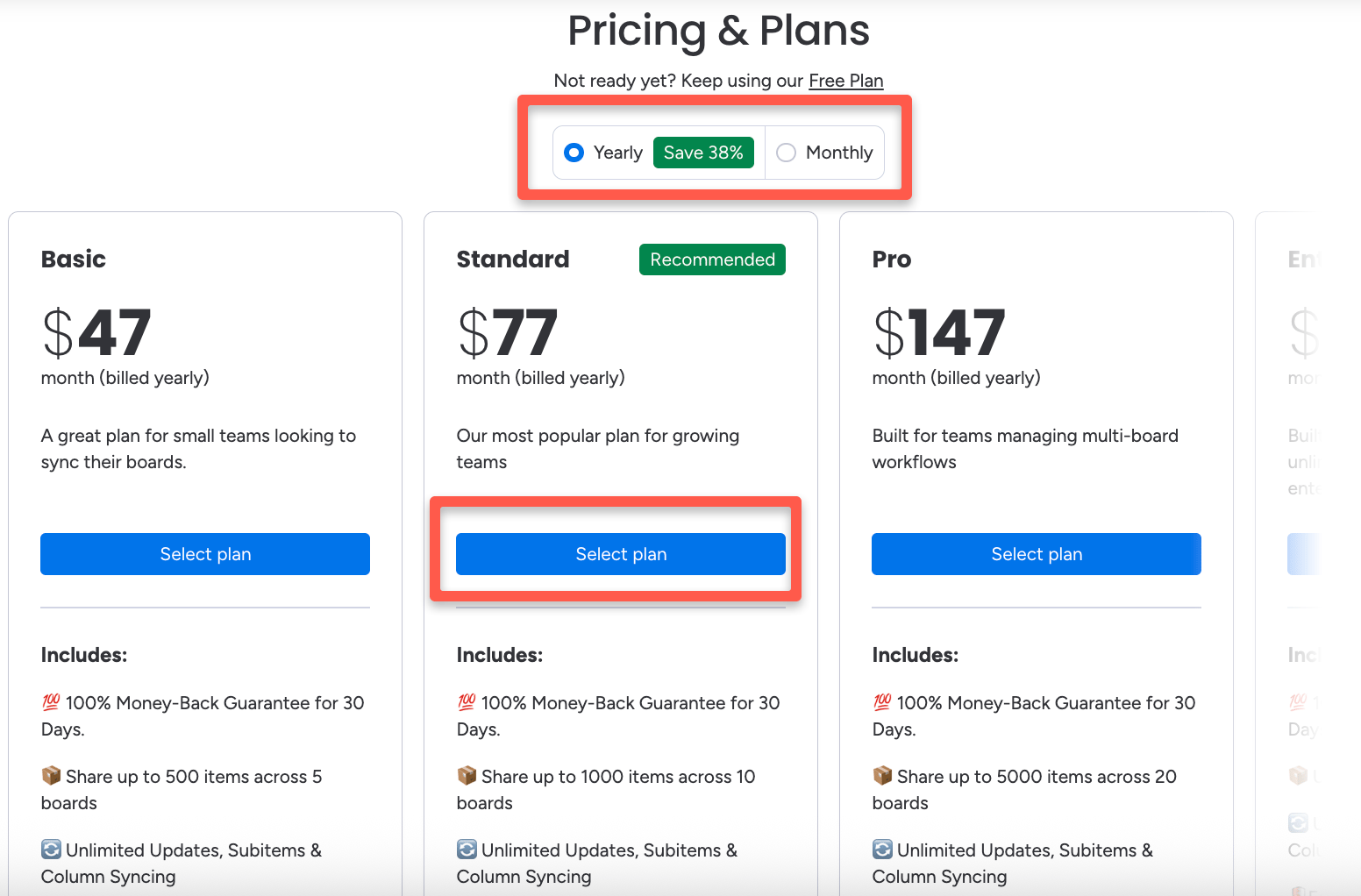 Click **Select Plan** to proceed to checkout and complete the upgrade.
## After Your Upgrade
Once checkout is complete, your subscription upgrades immediately. You'll have full access to all premium features included in your new plan right away — no restart or reinstallation needed.
Need help choosing the right plan? See the [Pricing Plans](/billing/pricing) page for a full feature and price comparison across all tiers.
Click **Select Plan** to proceed to checkout and complete the upgrade.
## After Your Upgrade
Once checkout is complete, your subscription upgrades immediately. You'll have full access to all premium features included in your new plan right away — no restart or reinstallation needed.
Need help choosing the right plan? See the [Pricing Plans](/billing/pricing) page for a full feature and price comparison across all tiers.